Paint your own compositions. Mixed from your own palette.
Undertint starts with your reference image, then mixes recipes from your own palette. Free on iOS.

Watch it in action
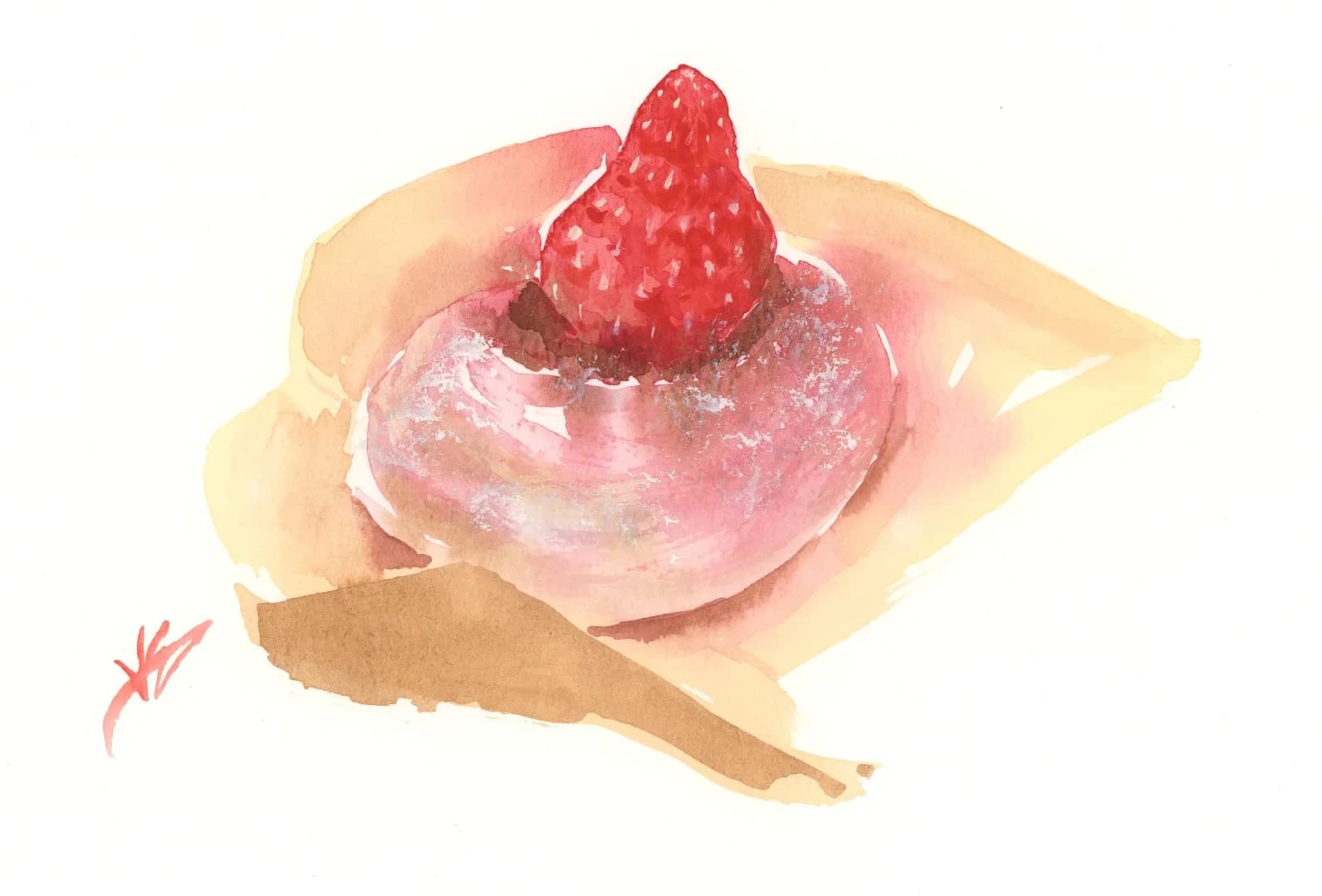
Watercolour artist Valerie Englehart paints a strawberry daifuku using Undertint and her own Winsor & Newton palette.
Why Undertint is different
Painting from your own reference is a different practice from painting from a tutorial. You have to look at a colour and know, roughly, what mix gets you there. That instinct usually only comes from years of trial and error at the desk.
Undertint shortens the road by making the logic visible. Each recipe is labelled in Munsell notation (hue, value, chroma), so you learn the language colour theorists use to describe what you’re already seeing. Each target colour offers multiple recipes, because different pigments can take you to the same place and there’s no single right answer. The point isn’t to do the mixing for you. The point is that, over months, you’ll find yourself reaching for the app less.
Grow your painter’s instinct with Undertint.
From reference to painting

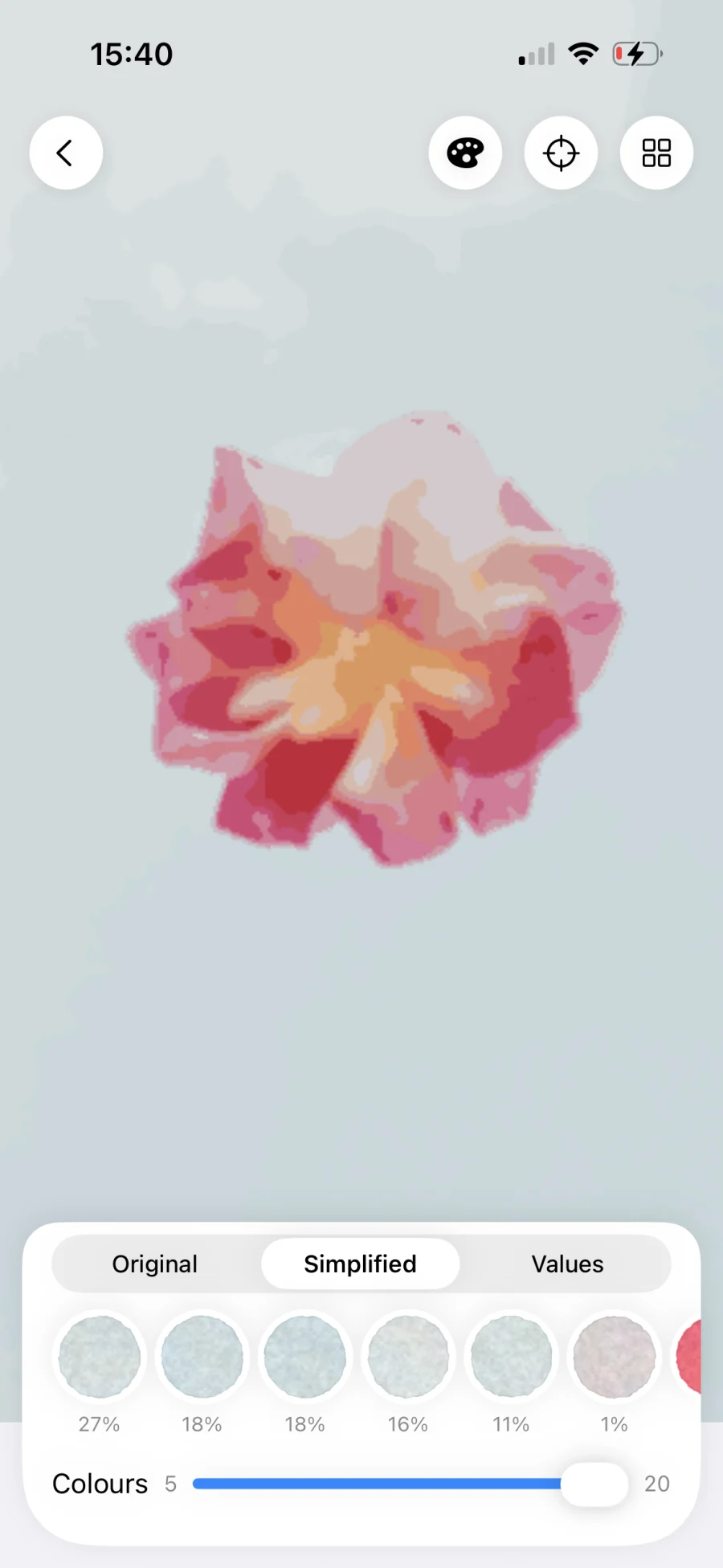
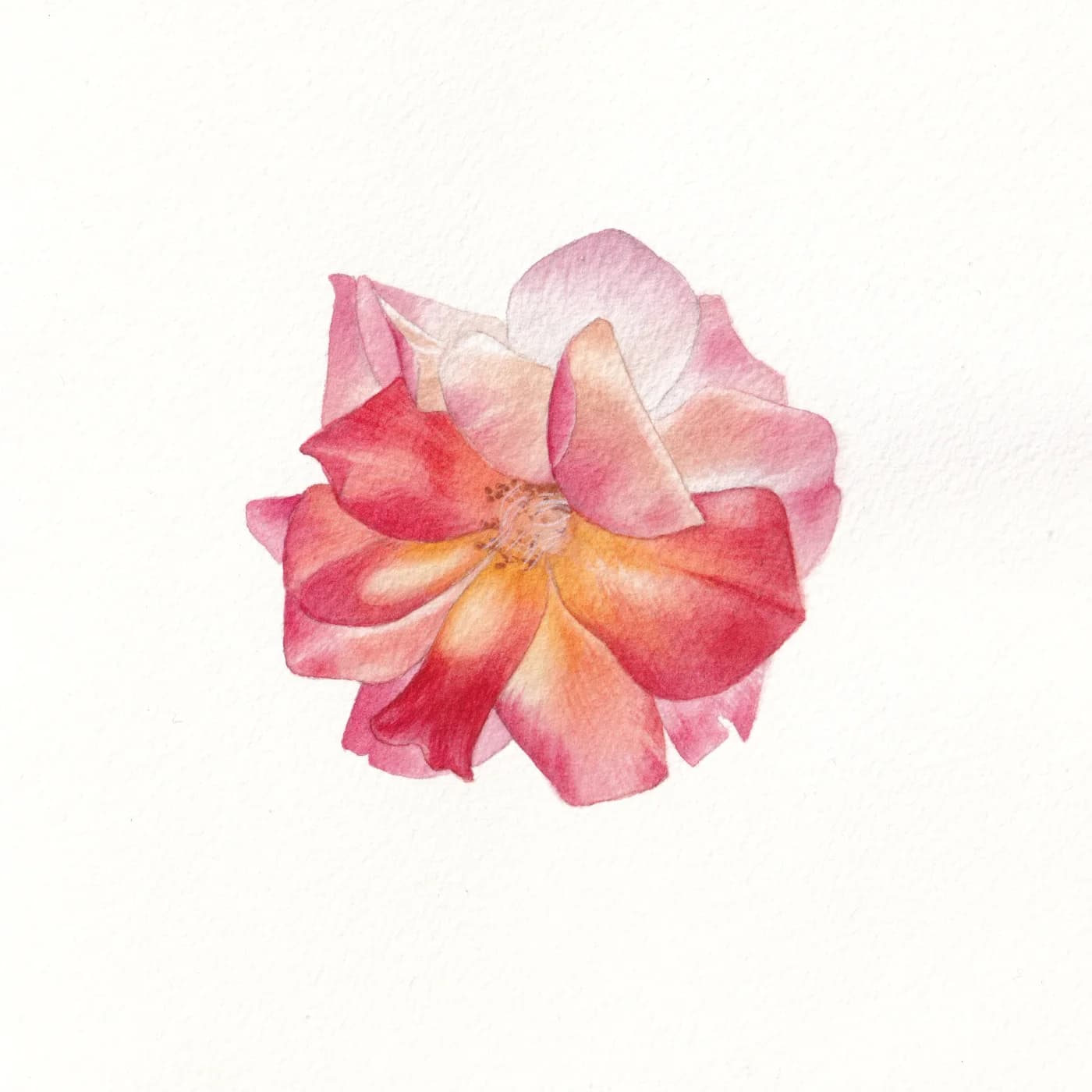
“It’s absolutely fascinating that the app suggests mixtures you would never have thought of yourself. I often thought, no, there’s no way this can work, but then the mixture was perfect!”Ominia.art, watercolour artist
Discover new recipes
“For a strawberry, I just would have grabbed red, but the app suggested I mix Winsor Orange and Permanent Rose, and I love how vibrant that mix came out!”Valerie Englehart, watercolour artist
Read your reference, mix from your palette. Free.
Other apps charge for these, one at a time. Undertint bundles them in.
Tap a colour. Get a recipe from your own paints.
Most reference tools have no concept of pigments. They show you a colour and leave the mixing to you.
Undertint asks for the paints you actually own (brand, name, tube). Tap any colour on your reference and it works the recipe back from there: which paints to mix, in what proportions, at what dilution. Tints come described in the way watercolourists actually talk (tea-strength, milky, creamy), not in percentages no one uses at the desk. Each recipe comes with a match-quality reading so you know how close you’ll land.
Single-paint matches are free.
Three more tools, also free.
Get the free tools.
iOS only. No account, no email.
When the recipe has to be exact.
Every recipe Undertint shows you, free or Pro, comes labelled in Munsell notation. The colour theory is always there, helping you read what’s in front of you.
What Pro adds is the specific mix. The free version finds the closest single paint from your palette. Pro works out which two or three of your paints combine to land on a target colour exactly, in what proportions, at what dilution. The multi-paint mixes Valerie reaches for in the video (the four-pigment brown, the pink that needed orange and rose) are Pro recipes.
Pro also remembers. Bookmark the recipes that worked and Undertint keeps them to hand. Palette coherency goes one further: new recipes are steered towards the mixes you’ve already bookmarked, so the colours across a painting stay related, rather than each colour being solved from scratch.
Own it outright with a one-off purchase, or pay by the month if you want to try Pro out first.
Why the recipes actually work
Most colour tools think in light. They work in red, green, blue which mirrors the way screens produce colour: by mixing wavelengths. Mix red light and green light and you get yellow. That’s fine for a display. It’s useless for paint.
Pigments work differently. They absorb light rather than emit it. The colour you see is what’s left after the pigment has taken what it wants from the spectrum. Mix two pigments and you’re combining two different patterns of absorption. This is why mixing paint colours is so much harder to predict than mixing coloured light, and why RGB-based tools give you recipes that look right on screen but wrong on paper.
Undertint uses the same colour mixing theory your paint manufacturer uses, and models pigments the way pigments actually behave: as light-absorbing materials with measurable properties. Those properties vary by manufacturer. Winsor & Newton’s French Ultramarine (PB29) absorbs light slightly differently to Holbein’s, and Undertint knows this. The recipes that Undertint gives you are specific to the paints you’ve told it you own — which is the only way a recipe can reliably work.
Paint from your palette.
Free on the App Store. Pro available in-app.